Огляд Gemini Omni Flash API: на що насправді здатна превʼю-версія
Практичний огляд Gemini Omni Flash API: що реально вміє gemini-omni-flash-preview, які фічі залишилися ексклюзивом для Flow та скільки насправді коштує один ролик.

Gemini Omni Flash — це перша мультимодальна модель Google класу «any-to-any» (будь-який формат на вході — будь-який на виході), що видає відео: ви надсилаєте текст, картинки або попередній результат, а на виході отримуєте короткий ролик зі звуком, тепер із роздільністю аж до 4K, який можна редагувати далі, просто описуючи зміни звичайними словами. Google викотила публічну превʼю-версію 30 червня 2026 року разом із Nano Banana 2 Lite, а ID моделі в API — gemini-omni-flash-preview.
Коротка відповідь для тих, хто прийшов за головним: API Gemini Omni Flash підтримує генерацію за текстом (text-to-video), за картинкою (image-to-video), за референсом (reference-to-video) із використанням до десяти зображень об'єкта (які поєднуються з початковим кадром), діалогове редагування та відео-в-відео обробку завантаженого кліпу. Але тут немає підтримки сідів (seeds), негативних промптів або можливості вимкнути звук — роздільність тепер сягає 4K, а подовження сцени (scene extension) з'явилося пізніше, про обидва — нижче. Управління тривалістю немає і в документації, але це поле присутнє і працює — докладніше про це нижче. Якщо ви бачили демо Omni Flash усередині Google Flow і чекали на такий самий набір інструментів від API, то будете розчаровані. Ми інтегрували модель у наш генератор прямо в тиждень релізу, тож цей огляд побудований на реальній роботі ендпоінта, а не на обіцянках із маркетингових буклетів.
Що реально дає API Gemini Omni Flash
API відкриває доступ до Omni Flash через Interactions API (interactions.create), а не через ендпоінт generateVideos, який використовує Veo. І це важлива деталь: інтеракції зберігають стан (вони stateful). Кожна відповідь містить ID, на який можна послатися в наступних запитах.
Згідно з документацією Google по Omni та тижнем тестів ендпоінта, зараз працюють п'ять сценаріїв:
- Text-to-video. На вході промпт, на виході — ролик із роздільністю аж до 4K, зі звуком.
- Image-to-video. Ваша картинка стає першим кадром, а промпт описує рух.
- Reference-to-video. Зображення об'єкта допомагають зберегти персонажа або товар у новій сцені — запит приймає до десяти штук, і на відміну від Veo їх можна поєднувати з початковим кадром.
- Інтерактивне редагування. Передаєте
previous_interaction_idта коротку інструкцію, а модель змінює ролик, зберігаючи загальну композицію. - Відео-в-відео редагування. Надсилаєте готове відео як контент із
task: "edit", і воно повертається у новому стилі — ID інтеракції не потрібен, тому спосіб працює навіть із роликами, які модель ніколи не створювала (включно з рендерами Veo та відео з телефону). Підвох: довжина виходу завжди строго дорівнює довжині входу, а сам вхід обмежений 10 секундами.
Ролик вище отримано напряму з gemini-omni-flash-preview через наш власний пайплайн, тож перед вами реальний приклад роботи, а не глянцевий промо-матеріал. Всього один текстовий промпт: паперовий кораблик пливе по розлитому чорнилу, фраза «single continuous scene» (щоб модель не дробила відео на монтажні склейки) та строчка «Audio:» із проханням додати шелест паперу та сплески води. Ми запросили повні 10 секунд. Обов'язково увімкніть звук — доріжка теж згенерована ШІ.
Кожне відео триває від 3 до 10 секунд при 24 fps. У документації параметр тривалості не вказаний, і на старті ми думали, що модель вирішує все сама. Виявилося, формат запиту тихо приймає значення тривалості, і воно витримується з точністю до кадру: просите 3 секунди — отримуєте 3.008 секунди, з оплатою за три. Саме це налаштування ми вивели в генераторі, тож монтаж під музику більше не рулетка.
Промпт одночасно слугує пулом управління для всього, що API не виносить у параметри. Надана сама собі, модель норовить робити монтажні склейки, тому фраза «single unbroken shot, no cuts» влаштувалася майже в кожному промпті; таймкоди на кшталт [0-3s] ... [3-6s] ... дійсно виконуються; а текст у лапках виводиться на екрані з вражаючою точністю. У нашому генераторі ми винесли ці шаблони у швидкі кнопки в один клік.
Другий сюрприз — звук, і тут усе куди приємніше. Кожне згенероване відео йде в комплекті з аудіодоріжкою: фоновий шум, звукові ефекти, іноді навіть мова (якщо попросити). Щоправда, вимкнути звук не можна. Єдиний спосіб ним керувати — це текст, тому ми дописуємо строчку «Audio: ...» у кінець промпту, і це працює цілком нормально.
Що є у Flow, чого немає в API?
Google Flow — це повноцінний інструмент для продакшену, побудований поверх кількох моделей. І цієї красивої «обгортки» якраз не вистачає «голому» API. У Flow є Scene Builder для створення послідовностей із кількох кадрів та готові налаштування камери (великість плану, ракурс, рух). До речі, про роздільність: багато хто плутається, але Flow за замовчуванням теж рендерить у 720p. Версії у 1080p та 4K з'являються лише на етапі скачування — як опція експорту поверх рендеру Veo, а не як окремий режим генерації. У самій моделі gemini-omni-flash-preview нічого подібного немає.
Ось чесне порівняння після тижня тестів обох варіантів:
| Можливість | Flow / застосунок Gemini | Gemini Omni Flash API |
|---|---|---|
| Роздільність | рендер 720p; 1080p / 4K доступні при скачуванні | 360p–4K, 24 fps (1080p/4K через апскейл) |
| Довжина ролика | Scene Builder склеює кадри | 3–10 с, точно |
| Управління камерою | готові пресети планів, кутів та руху | тільки текстом у промпті |
| Подовження відео | так (через Veo) | так, ланцюжком кроками по 3–10 с до 40 с загалом |
| Редагування відео | Ремікс усередині застосунку | Інтерактивне або відео-в-відео для будь-якого кліпу |
| Звук | увімкнений, є налаштування в інтерфейсі | завжди увімкнений, управління тільки текстом |
| Сід / негативний промпт | все одно приховані від користувача | не підтримується |
| Роликів за один запит | по одному | один на інтеракцію, без sampleCount |
Документація чесно попереджає про частину обмежень. У мануалах Google прямо сказано, що подовження (extension) та інтерполяція відео «не підтримуються». Те саме стосується системних інструкцій, температури та параметрів негативного промпту (розробники пропонують вписувати небажані деталі у звичайний текст, але за моїм досвідом це спрацьовує приблизно у половині випадків). Посилання на відео-референси є у схемі API (з обмеженням у 3 секунди), але в документації визнається, що модель поки не вміє обробляти їх коректно.
Тож превʼю-версія API — це лише урізана частина того, на що модель здатна в інтерфейсах самої Google. Для бети це звичайна справа, але все одно неприємно, коли клієнт просить вивантажити ролик у 1080p, а твоя стеля — 720p.
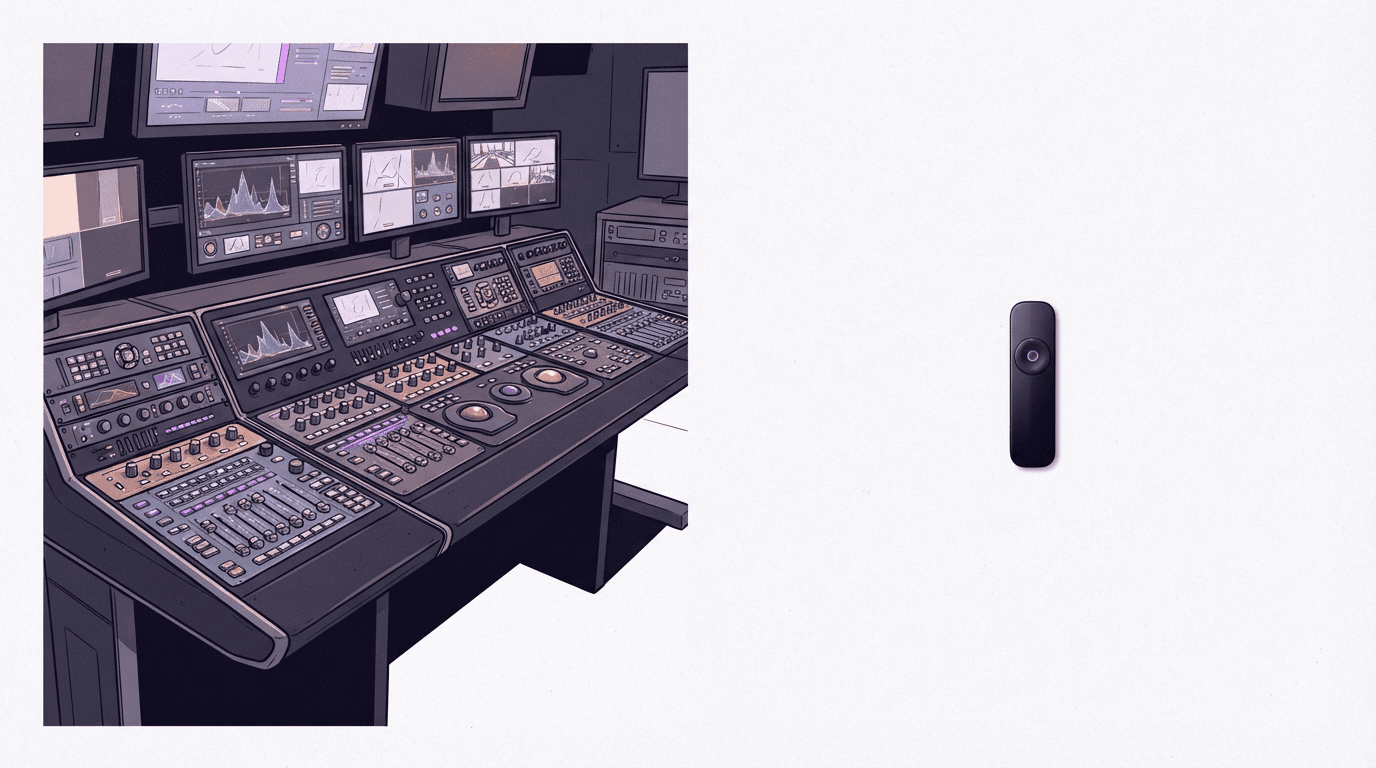
Текстові правки в діалозі — фіча, яка реально тягне
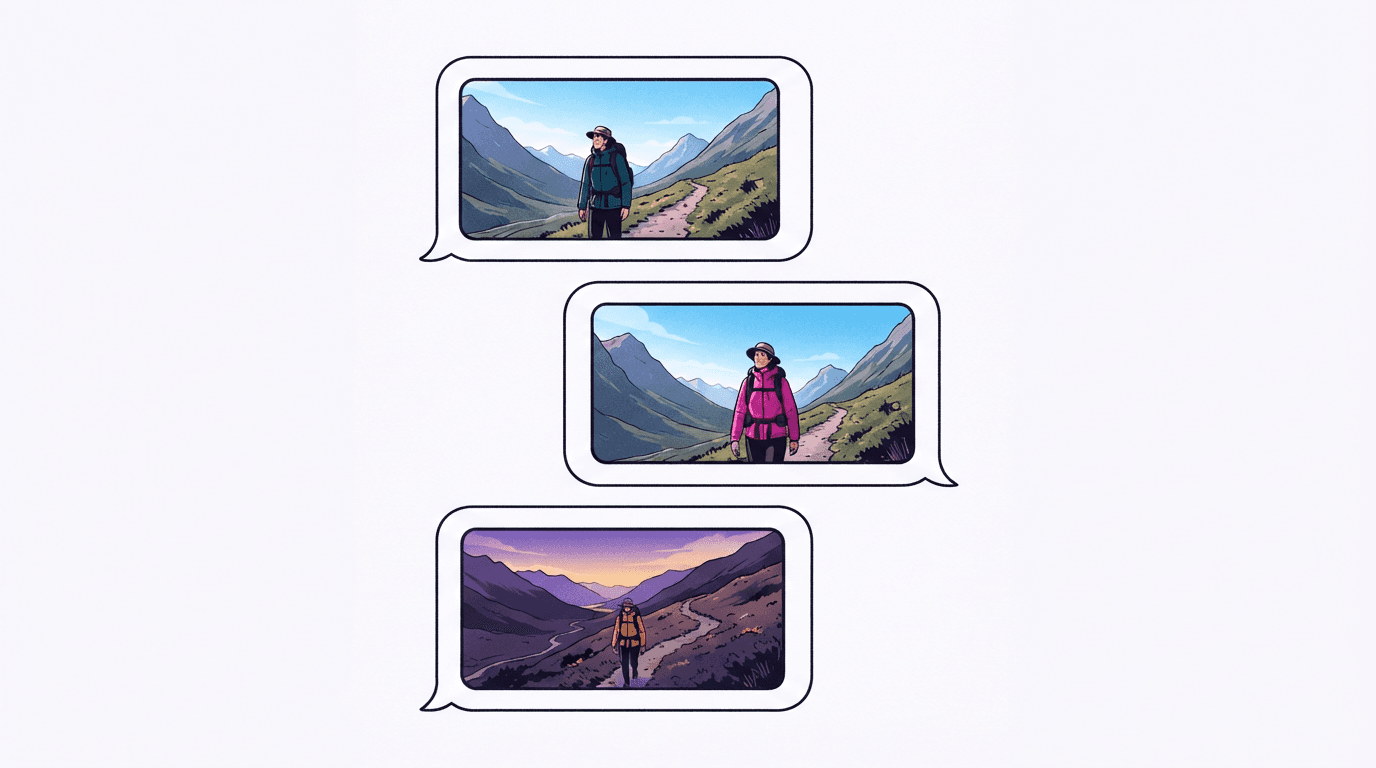
Саме на етапі редагування Omni Flash розкривається на повну. Ви створюєте ролик, оцінюєте результат, а потім надсилаєте уточнення на кшталт «зроби куртку червоною та сповільни камеру», прикріпивши previous_interaction_id першого відео. Модель перезбирає ролик, впроваджуючи правку та дбайливо зберігаючи більшу частину оригіналу. Ніяких повторних завантажень, масок чи таймлайнів.
У документації Gemini Enterprise говориться, що можна робити до трьох правок поспіль у межах однієї сесії зі збереженням контексту. На практиці кожна зміна — це повноцінний новий рендер у 720p, тож із кожним кроком деталі трохи «пливуть». Обличчя зберігаються краще, ніж написи на вивісках. Іноді навіть при простому проханні змінити колір може злегка змінитися складна динаміка кадра.
У продакшені ми зіткнулися з одним нюансом: батьківські інтеракції на боці Google з часом згоряють. Якщо спробувати відредагувати ролик, створений давно, API може видати помилку 404. На BananaBanana ми обробляємо це як застаріле відео та повертаємо кошти за спробу, але якщо ви пишете рішення на чистому API, закладіть цю логіку заздалегідь.
Скільки коштує Gemini Omni Flash?
У анонсі релізу Google вказано ціну за Omni Flash у розмірі $0.10 за секунду готового відео: результат на 3 секунди обходиться у $0.30, а на 10 секунд — у $1.00.
На BananaBanana цей фіксований тариф тепер розбитий за роздільністю: $0.03/с при 360p, $0.10/с при 720p, $0.15/с при 1080p, $0.30/с при 4K — можна обрати 3 секунди у 720p за $0.30 або всі десять за $1.00, а правка коштує стільки ж за секунду, скільки новий рендер (і результат виходить рівно тієї ж довжини, що й вихідник — розтягнути чи обрізати відео модель не вміє). Генерація картинок у Nano Banana 2 Lite, що вийшла того ж дня, коштує у нас $0.03 за зображення (офіційний тариф Google API — $0.034 за картинку у роздільності 1K). Повний прайс-лист доступний у розділі з цінами.
Чи вартий ролик десяти центів за секунду — тариф для 720p? Якщо вам потрібна чернетка зі звуком, для якої інакше довелося б окремо генерувати відео та накладати аудіодоріжку, — мабуть, так, а тест на 3 секунди коштує дешевше за кліп Veo. Для беззвучних фонових кадрів — ні. Veo 3.1 Fast робить німі ролики дешевше і у вищій роздільності.
Що обрати: Omni Flash чи Veo 3.1?
Якщо коротко: вони ділять завдання, але зовсім не так, як здається на перший погляд (мовляв, одна модель для чернеток, а інша — для чистовиків).
Перед вибором важливо зрозуміти одну річ: різниця в якості криється не в роздільності. Veo 3.1 набагато переконливіше порається з фізикою та рухом. Вода тече природно, тканина лягає складками там, де належить, а об'єкти зіштовхуються, а не проходять один крізь одного як привиди. Omni Flash теж порається з цим, але через раз, і на деяких кадрах огріхи фізики одразу кидаються в очі.
Обирайте Veo 3.1, якщо вам потрібна точна довжина кліпу (задається в цілих секундах від 4 до 8), відео без звуку або стабільніша фізика — Omni Flash з того часу підтягнулася до 4K-експорту, подовження сцени та контролю над першим і останнім кадром, про це вище. Остання фішка тепер працює в обох моделях: якщо згодувати одну й ту саму картинку на старт і фінал, ви отримаєте безшовну петлю. Саме так створюються ідеальні зациклені фони. Veo все ще залишається робочим інструментом для будь-яких широкоформатних сцен зі складною фізикою.
Обирайте Omni Flash, якщо контент готується під екрани смартфонів. Для TikTok, Shorts або Reels роздільності 720p більш ніж достатньо (алгоритми стиснення соцмереж все одно вб'ють деталі), звук уже вбудований у той самий прохід, а текстові правки у форматі чату економлять купу часу порівняно з постійним переписуванням промптів з нуля. У цій ніші Omni Flash — не просто інструмент для начерків, а оптимальний та найзручніший вибір.
Мій особистий робочий процес після пари днів тестів виглядає так: для горизонтальних клієнтських проєктів я накидаю концепт в Omni Flash — трисекундні дублі по $0.30, — а варіант, що сподобався, переробляю в чистовій якості через Veo. А ось вертикальні ролики для соцмереж часто відправляються в публікацію прямо з Omni Flash.
Обидві моделі вже доступні в генераторі BananaBanana — можна порівняти їхню роботу на одному й тому самому промпті без написання коду та налаштування акаунту в Google Cloud. А якщо вам потрібен короткий підсумок цього огляду з усіма можливостями, лімітами та цінами на одній сторінці, зазирніть на сторінку Gemini Omni.
FAQ
Що таке gemini-omni-flash-preview?
Це ідентифікатор моделі (API ID) для Gemini Omni Flash — інтерактивної нейромережі Google для генерації відео, яка вийшла у публічне превʼю 30 червня 2026 року. Вона створює та редагує ролики тривалістю від 3 до 10 секунд із вбудованим звуком через Interactions API, тепер у діапазоні роздільностей від 360p до 4K.
Чи може Gemini Omni Flash створювати відео в 1080p або 4K?
Так, тепер може. Спочатку API підтримував лише 720p; зараз Omni Flash на BananaBanana пропонує 360p, 720p, 1080p та 4K, причому 1080p і 4K видаються через апскейл, а не як нативний рендер вищої роздільності. Google Flow за замовчуванням досі рендерить у 720p; його версії у 1080p та 4K пропонуються на етапі скачування тільки для генерацій через Veo.
Чи можна налаштувати тривалість відео в Omni Flash API?
Так, хоча в документації цього параметра немає. Формат запиту приймає тривалість, і результат збігається з нею з точністю до кадру: 3 секунди на вході, 3.008 секунди на виході, з оплатою за три. У генераторі ми вивели цей параметр у вигляді селектора на 3–10 секунд. Виняток — редагування: відредагований кліп завжди успадковує довжину відео, з якого він був зроблений.
Чи завжди Omni Flash генерує аудіо?
Так, кожен кліп іде з вбудованою звуковою доріжкою, і вимкнути її параметром не можна. Описуйте бажані звуки (або просіть «тихий фоновий шум приміщення» — «quiet ambient room tone») прямо в тексті промпту.
Чи вміє Omni Flash подовжувати або інтерполювати готові відео?
Тепер уміє: поточне покоління Omni Flash підтримує подовження сцени (scene extension) — додавання продовжень по 3–10 секунд до кліпу, аж до 40 секунд загалом (початковий реліз на завдання extend відповідав, що модель не підтримує подовження відео). Крім цього, доступне редагування — або діалогове для створеного нею кліпу, або відео-в-відео для будь-якого готового відео, яке ви передасте (включно з рендером Veo або вашим записом). Вихідне відео при редагуванні зберігає довжину входу.