提示词库 · 等距图标

让整套风格不跑偏的等距图标提示词

十个实测提示词,用于黏土质感的等距图标和微缩场景——设备、建筑、小房间——外加那句让整套图标像一家人的风格句。每张卡片都是未经修改的输出。

01怎么写提示词

等距图标的提示词怎么写?

一条等距图标提示词是两句话,各干各的活。第一句点名物体及其细节:「a small clay-render coffee machine with a chrome portafilter and a tiny cup on the tray」。第二句是风格句,在整套图标里从不改动:「isometric 3D icon, 45-degree view, soft matte clay materials, rounded edges, pastel palette, soft studio light with a gentle shadow, plain off-white background, centred with generous margin」。让一套图标成其为一套的一切,都住在第二句里。

把「isometric」和「45-degree view」明确说出来——不说的话,模型会漂到正面产品照或戏剧化的低角度,整套就不齐了。「Rounded edges」和「soft matte clay」正是当下应用与SaaS插画里主流的Blender风质感来源;换成「low-poly flat shading」或「glossy plastic with rim light」,同一个物体就落到了另一个视觉世界。下面这十个图标全是在BananaBanana上生成的首次未修改输出,多数用的是$0.03的Lite。

怎样让十个图标保持同一种风格?

冻结风格句,只改物体那一段。听起来理所当然,却恰恰是大家做错的那一件事:每个图标都把整条提示词重写一遍,配色开始游移,一个回来是亮面另一个是哑光,整套始终对不上。复制粘贴的纪律,就是全部技巧。

另有两点有帮助。用具体颜色写明配色——「pastel palette of cream, sage, soft coral and pale blue」——而不是听天由命;并保持背景措辞完全一致,这样图标的裁切位置才一样。如果某个图标还是跑了风格,别从零重写:用同样的文本再生成一次,或者编辑最接近的那个好结果。另外,因为这些是位图,放进界面时要么先做一次抠底,要么就放在它们生成时那张同样的米白卡片上。

02提示词

10 条提示词,真实结果

下面每张图片都是所在卡片提示词的未修输出——没有从几十次尝试里挑好的,也没有修图。模型徽标标明了它由什么生成、花了多少钱。

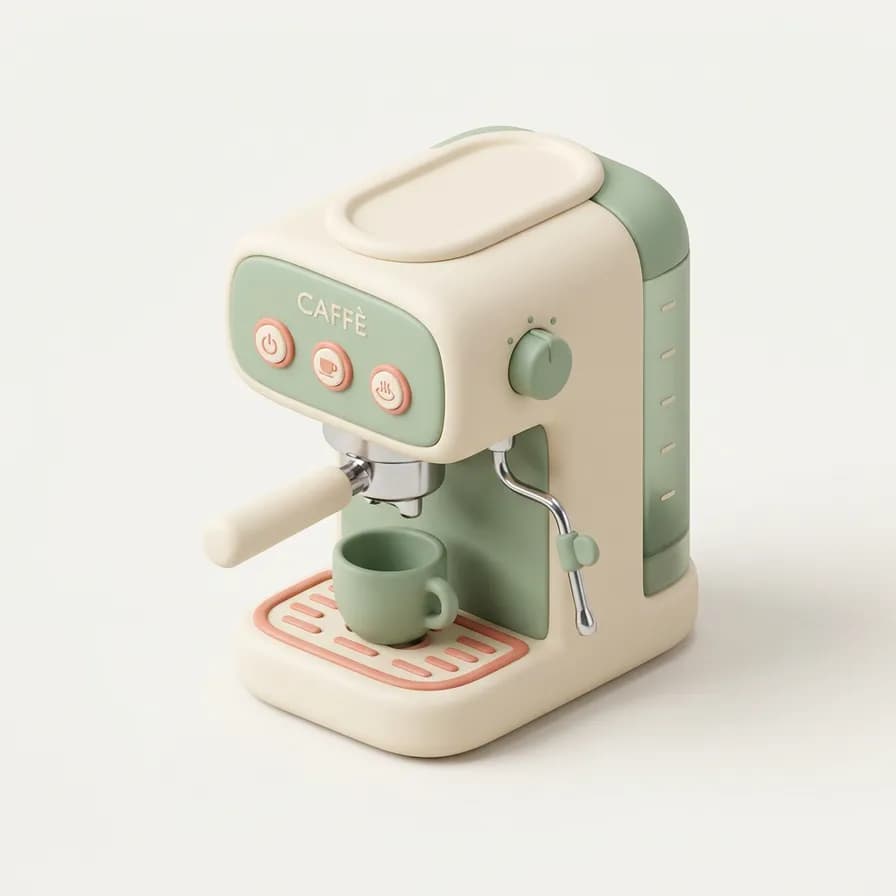
AI 生成的等距图标示例——意式咖啡机,在 BananaBanana 用 Nano Banana 2 制作

意式咖啡机

Nano Banana 2$0.06 / 张

Isometric 3D icon of a compact espresso machine with a chrome portafilter, a small cup on the drip tray and a tiny steam wand. 45-degree isometric view, soft matte clay materials, rounded edges, pastel palette of cream, sage and soft coral, gentle studio light with a soft shadow beneath, plain off-white background, object centred with generous margin.
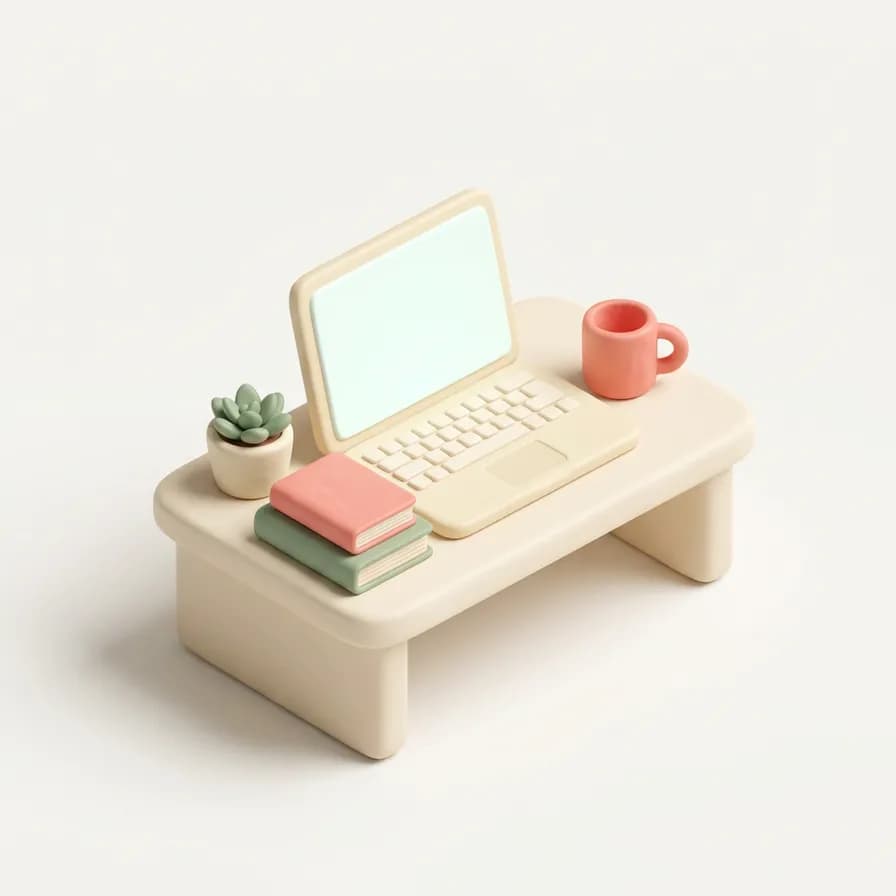
AI 生成的等距图标示例——笔记本工作台,在 BananaBanana 用 Nano Banana 2 制作

笔记本工作台

Nano Banana 2$0.06 / 张

Isometric 3D icon of an open laptop on a small desk with a mug, a stack of two books and a tiny potted plant. 45-degree isometric view, soft matte clay materials, rounded edges, pastel palette of cream, sage and soft coral, gentle studio light with a soft shadow beneath, plain off-white background, blank screen with no text, centred with generous margin.

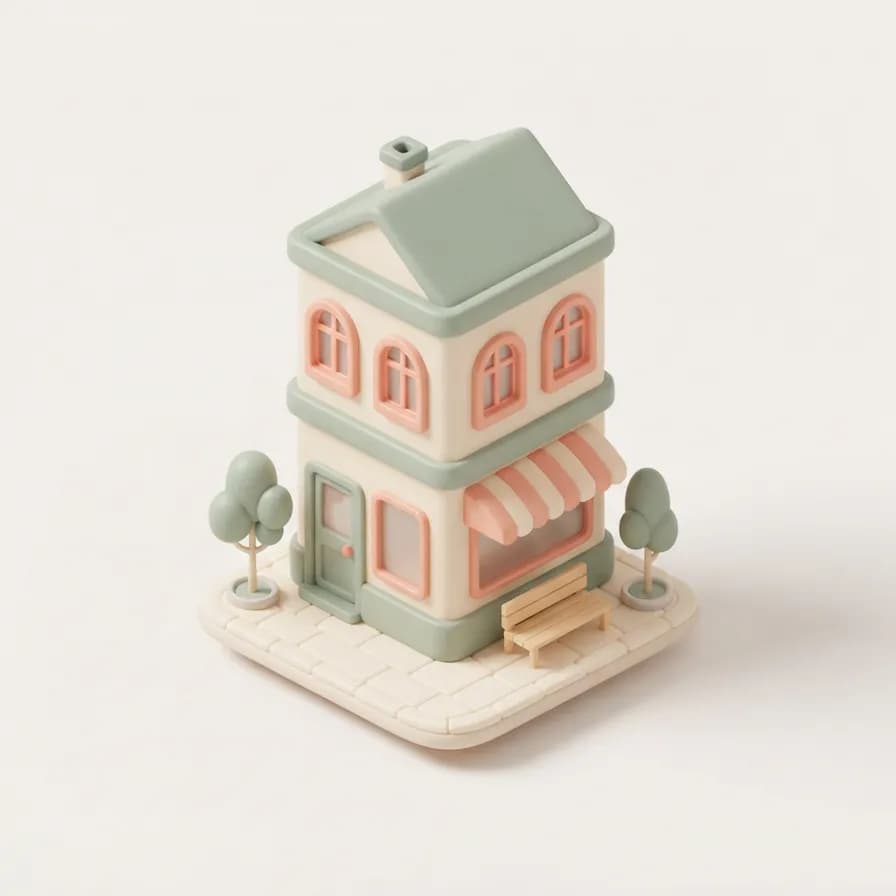
AI 生成的等距图标示例——街角店铺建筑,在 BananaBanana 用 Nano Banana 2 Lite 制作

街角店铺建筑

Nano Banana 2 Lite$0.03 / 张

Isometric 3D icon of a small three-storey corner shop building with an awning, two street trees and a bench outside. 45-degree isometric view, soft matte clay materials, rounded edges, pastel palette of cream, sage and soft coral, gentle studio light with a soft shadow beneath, plain off-white background, no signage or text, centred with generous margin.
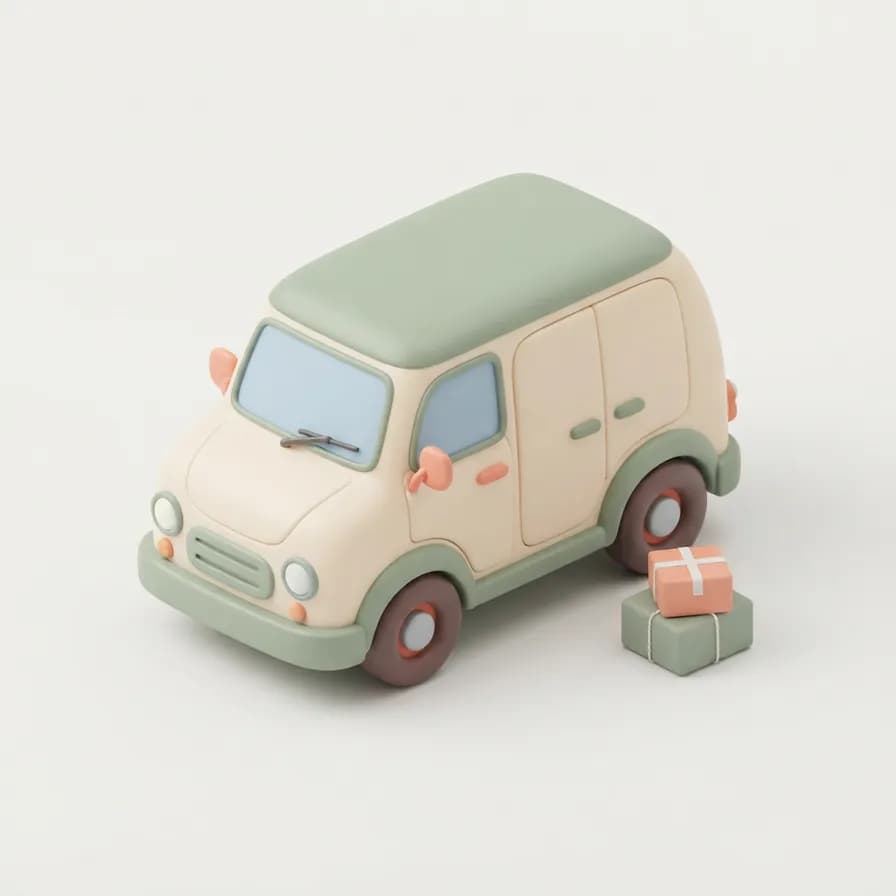
AI 生成的等距图标示例——快递货车,在 BananaBanana 用 Nano Banana 2 Lite 制作

快递货车

Nano Banana 2 Lite$0.03 / 张

Isometric 3D icon of a rounded delivery van with chunky wheels and two small parcels stacked beside the rear doors. 45-degree isometric view, soft matte clay materials, rounded edges, pastel palette of cream, sage and soft coral, gentle studio light with a soft shadow beneath, plain off-white background, blank unbranded panels, centred with generous margin.
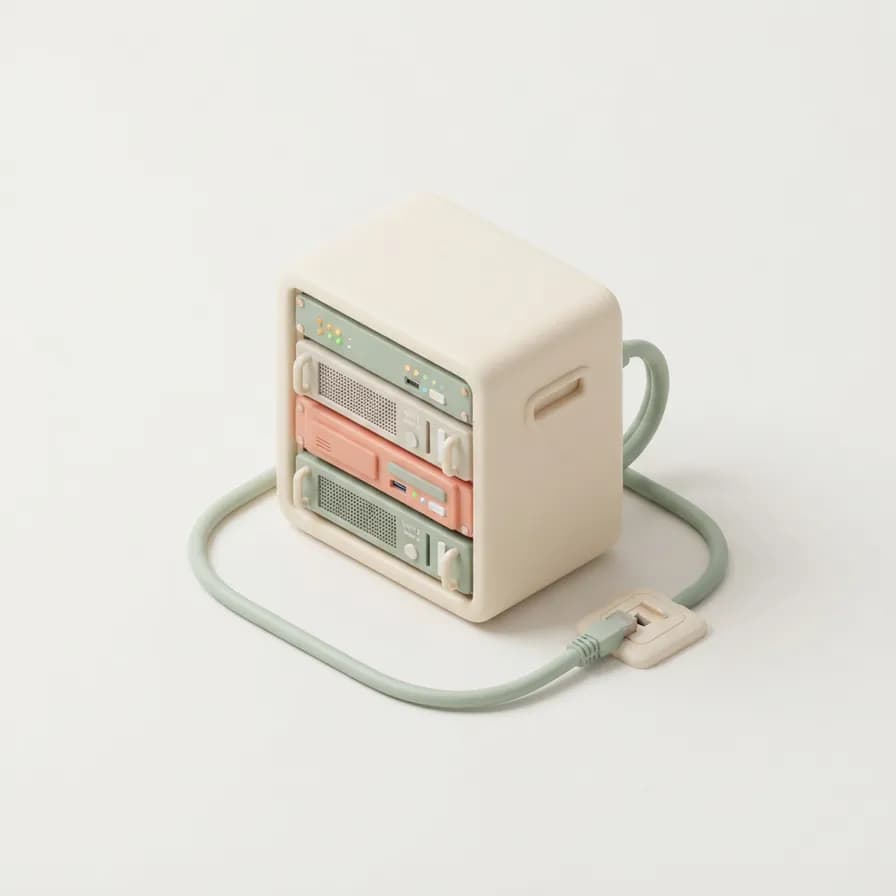
AI 生成的等距图标示例——服务器机柜,在 BananaBanana 用 Nano Banana 2 Lite 制作

服务器机柜

Nano Banana 2 Lite$0.03 / 张

Isometric 3D icon of a small server rack with three units, tiny status lights and a loop of cable running to a floor socket. 45-degree isometric view, soft matte clay materials, rounded edges, pastel palette of cream, sage and soft coral, gentle studio light with a soft shadow beneath, plain off-white background, centred with generous margin.

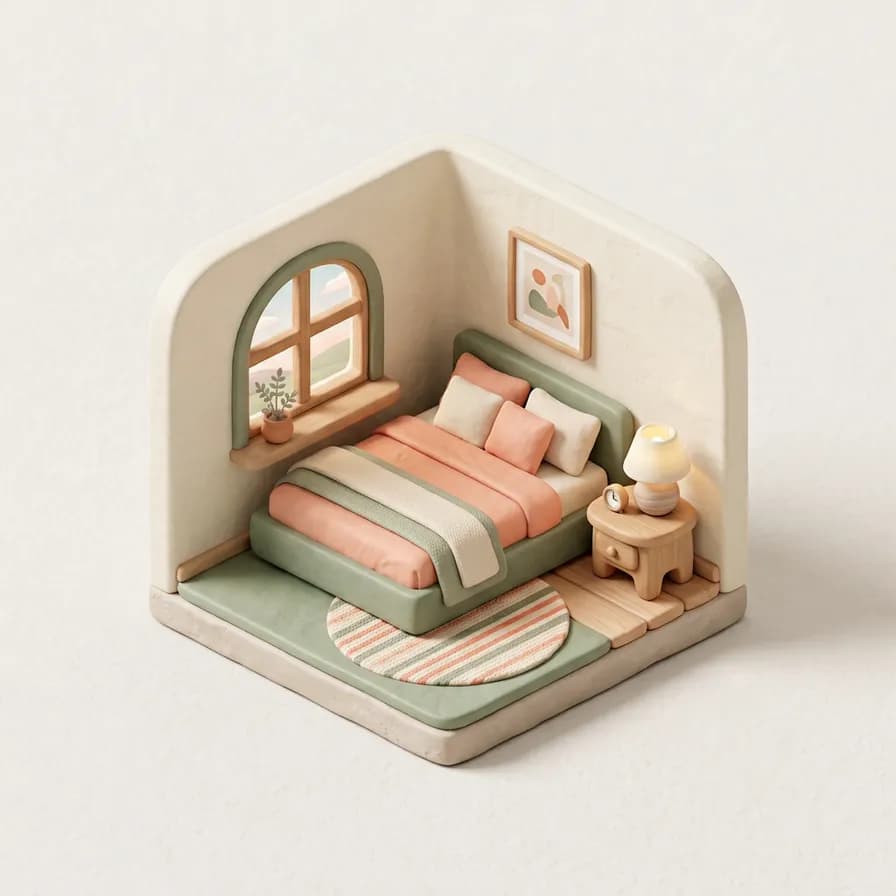
AI 生成的等距图标示例——微缩卧室场景,在 BananaBanana 用 Nano Banana 2 制作

微缩卧室场景

Nano Banana 2$0.06 / 张

Isometric 3D miniature room: a tiny bedroom with two walls cut away, showing a bed with a folded blanket, a rug, a bedside lamp and a window with a plant on the sill. 45-degree isometric view, soft matte clay materials, rounded edges, pastel palette of cream, sage and soft coral, gentle studio light with a soft shadow beneath, plain off-white background, centred with generous margin.

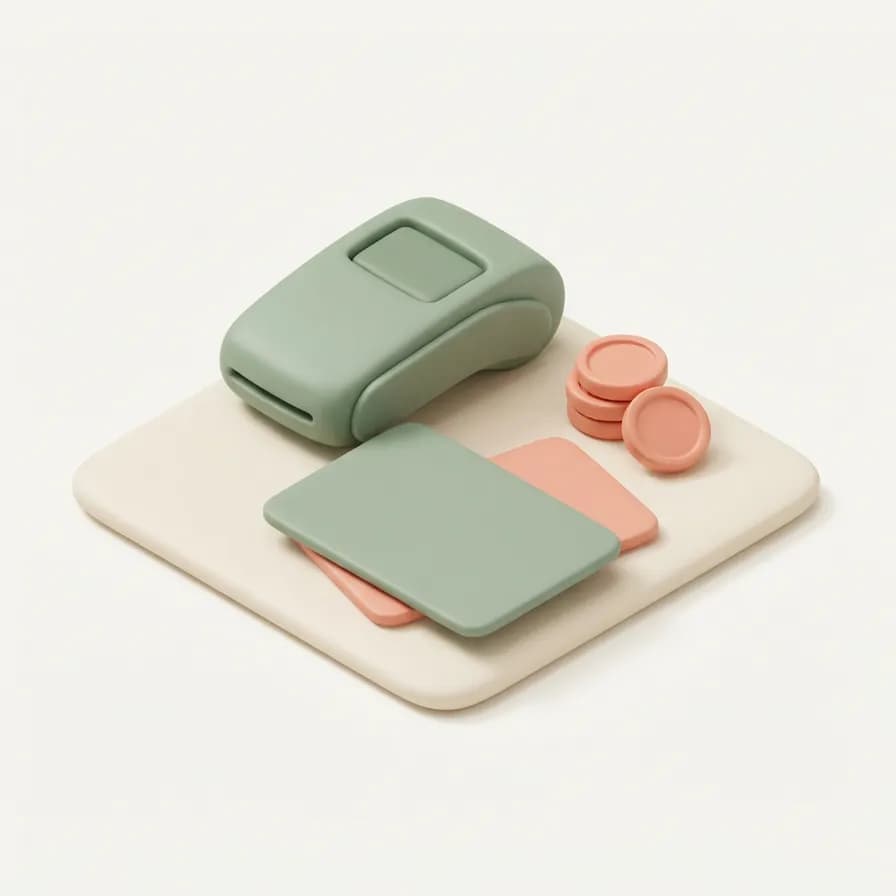
AI 生成的等距图标示例——叠放的支付卡,在 BananaBanana 用 Nano Banana 2 Lite 制作

叠放的支付卡

Nano Banana 2 Lite$0.03 / 张

Isometric 3D icon of two payment cards fanned on top of each other with a small coin stack beside them and a rounded card terminal behind. 45-degree isometric view, soft matte clay materials, rounded edges, pastel palette of cream, sage and soft coral, gentle studio light with a soft shadow beneath, plain off-white background, blank cards with no numbers or logos, centred with generous margin.

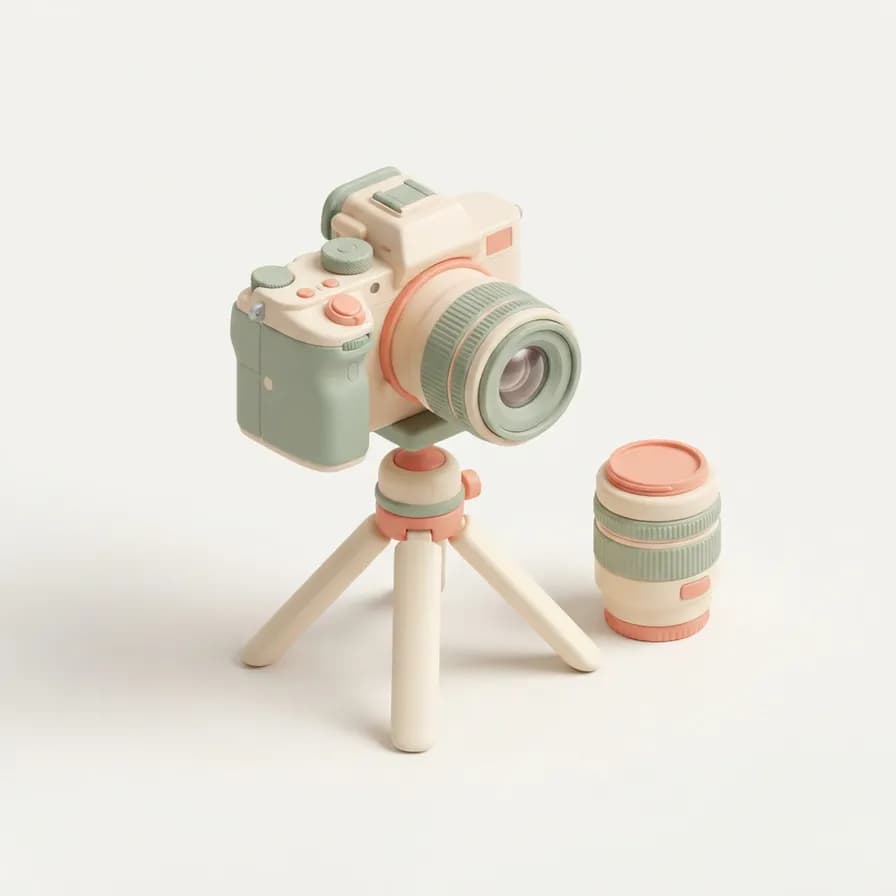
AI 生成的等距图标示例——三脚架上的相机,在 BananaBanana 用 Nano Banana 2 Lite 制作

三脚架上的相机

Nano Banana 2 Lite$0.03 / 张

Isometric 3D icon of a chunky mirrorless camera mounted on a small tripod, with a spare lens standing beside it. 45-degree isometric view, soft matte clay materials, rounded edges, pastel palette of cream, sage and soft coral, gentle studio light with a soft shadow beneath, plain off-white background, no branding, centred with generous margin.

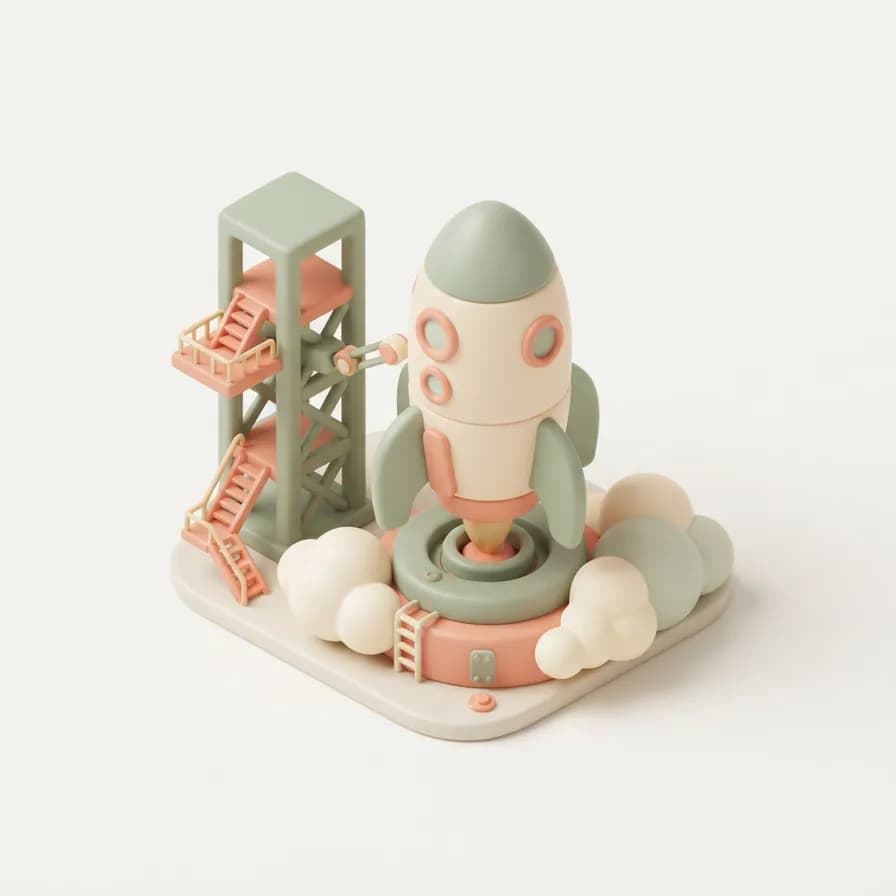
AI 生成的等距图标示例——发射台上的火箭,在 BananaBanana 用 Nano Banana 2 Lite 制作

发射台上的火箭

Nano Banana 2 Lite$0.03 / 张

Isometric 3D icon of a stubby rounded rocket on a small launch pad with a service gantry and two puffs of cloud at the base. 45-degree isometric view, soft matte clay materials, rounded edges, pastel palette of cream, sage and soft coral, gentle studio light with a soft shadow beneath, plain off-white background, centred with generous margin.

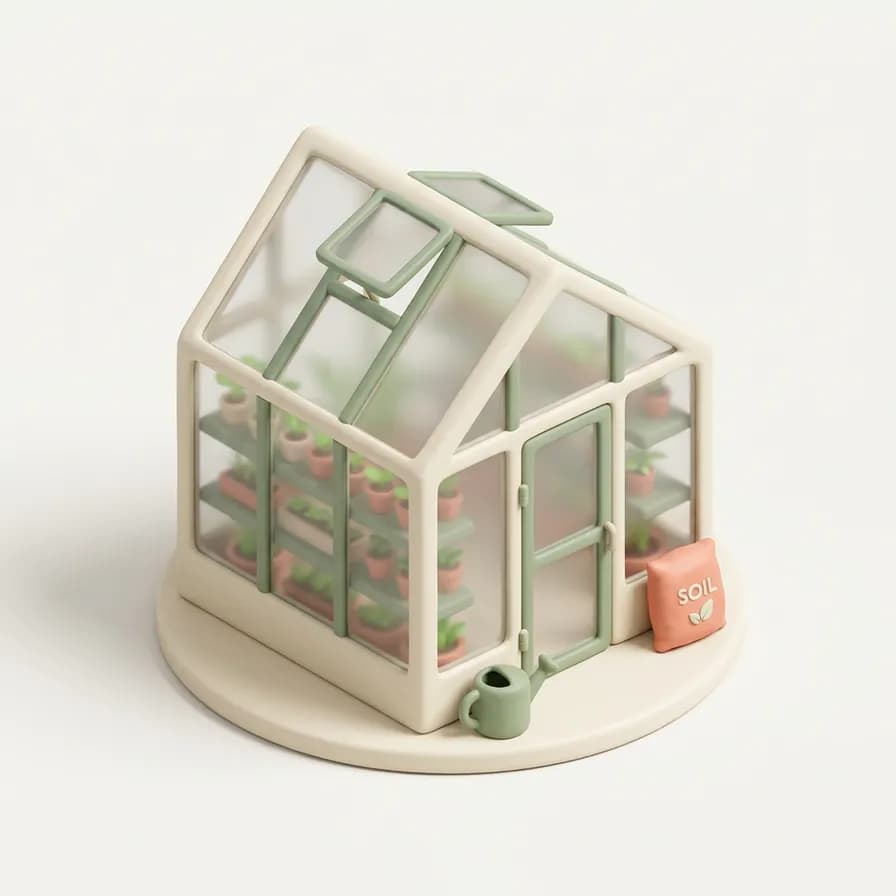
AI 生成的等距图标示例——小温室,在 BananaBanana 用 Nano Banana 2 制作

小温室

Nano Banana 2$0.06 / 张

Isometric 3D icon of a small glass greenhouse with a pitched roof, three shelves of seedlings visible inside, a watering can and a bag of soil by the door. 45-degree isometric view, soft matte clay materials, frosted translucent glass, rounded edges, pastel palette of cream, sage and soft coral, gentle studio light with a soft shadow beneath, plain off-white background, centred with generous margin.

03技法

这些提示词为什么管用

冻结风格句

物体那一段可以变,风格那一段永远不变。把同一句「isometric 3D icon, 45-degree view, soft matte clay, rounded edges, pastel palette…」尾巴复制进这套里的每条提示词——正是这种重复,让十次独立生成看起来像一个图标包。

把「45-degree isometric view」写出来

不写的话,模型过几个图标就滑向正面或英雄角度,网格就对不齐了。这是提示词里最便宜的一致性保险。

明确禁止文字和logo

屏幕、卡片和店面最爱招来编造的字母,而生成的文字几乎总是畸形的。「Blank screen with no text」「no signage」「unbranded panels」能让图标保持干净可用。

要求留足边距

图标后续会被裁成圆形、方形和卡片。生成时在物体周围留出可见留白,意味着你之后可以裁切,而不必重新生成。

04更多提示词

接着逛逛

05延伸阅读

来自博客的指南

06常见问题

等距图标提示词,一一解答

能直接生成透明背景吗?

不能直接生成——模型输出的是不透明图像,所以这里每条提示词都指定了纯米白背景。事后去掉它在任何编辑器里都是一键的事,而且平背景上的黏土质感图标抠图很干净,因为边缘柔和却分离得很清楚。

这些是矢量图吗?

不是。这些是1K的位图,用于网页界面、演示文稿、落地页和应用商店截图完全够用。如果你需要可缩放的矢量图标,就把生成的图当作设计参考去描摹——这里的价值在于几秒钟锁定视觉,而不是产出SVG。

做图标套装该用哪个模型?

$0.03的Lite处理大多数单物体图标绰绰有余,所以上面十个里有七个用的是它。遇到带室内、玻璃或多层叠加元素的场景再升到Nano Banana 2——温室和剖面卧室正是那点额外能力显出来的地方。

想换成扁平或亮面风格怎么办?

只替换材质那几个词。「Low-poly flat shading, hard edges, limited flat colours」或「glossy plastic with a bright rim light and reflective floor」能用同一份物体清单产出完全不同的套装。新的风格句同样要固定住,就像你对黏土那句做的一样。

这些图标能用在商业产品里吗?

可以——你在BananaBanana上生成的内容归你所有,包括随商业应用或网站一起发布的图标。只要像这里的提示词一样,不写进品牌名和logo即可。

复制一条提示词,改成你自己的

每个新账户都从 $0.20 免费余额起步——足够在付费前试完六条图片提示词。无需订阅,无需信用卡,加密货币充值 $1 起。