Prompt library · Logo design

Logo prompts that produce usable marks

Ten tested prompts for logo symbols — monoline outdoor marks, geometric animals, vintage emblems, negative-space monograms and gradient app icons. Each card shows the unedited output and the model that made it.

01How to prompt

How do you write an AI logo prompt?

Ask for a mark, not a picture. The phrase that changes everything is “flat vector logo mark, centered on a plain white background” — it drops the model out of illustration mode into design mode: one idea, flat fills, clean silhouette, no scenery. A structure that works nearly every time is: “[style] logo mark of [one concrete object], [construction detail], flat vector, [two-color palette], plain white background, no text”. Style words carry real meaning here — monoline, geometric, emblem, negative space, gradient app icon and hand-drawn all produce genuinely different construction, not just different decoration.

Leave the company name out of the prompt. Small lettering is where image models still break down, and a garbled wordmark ruins an otherwise good symbol — generate the mark, then set the type yourself in Figma or Illustrator, which is how the pairing is designed in real studios anyway. Every mark below is the unedited first output of its prompt on BananaBanana; at $0.03 per Lite image you can explore forty directions for the price of a coffee before committing to one.
02The prompts

10 prompts, real results

Every image below is the unedited output of the prompt on its card — no cherry-picking across dozens of attempts, no retouching. The model badge shows exactly what generated it and what it cost.

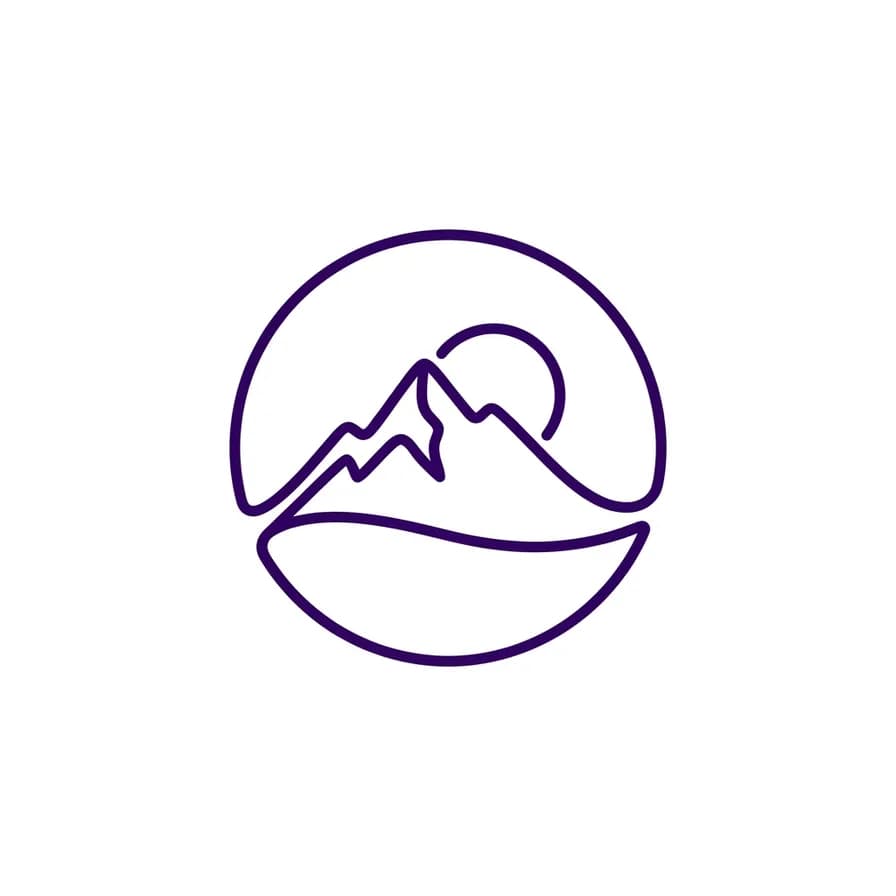
AI-generated logos example — Monoline mountain, made with Nano Banana 2 on BananaBanana

Monoline mountain

Nano Banana 2$0.06 / image

Flat vector logo mark of a mountain peak with a rising sun behind it, drawn in a single continuous line of even weight, contained in a circle. Minimal outdoor-brand aesthetic, deep violet line on plain white background, generous negative space, no text.

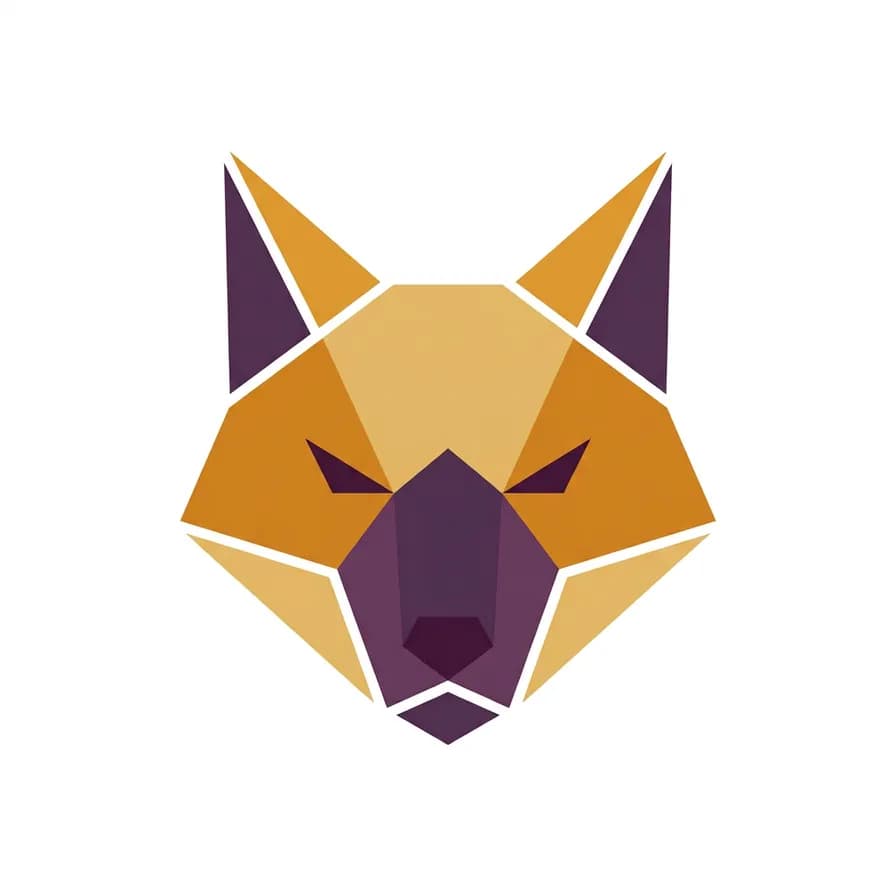
AI-generated logos example — Geometric fox head, made with Nano Banana 2 on BananaBanana

Geometric fox head

Nano Banana 2$0.06 / image

Flat vector logo mark of a fox head built from clean angular polygons, symmetrical and simplified to eight shapes. Modern geometric branding style, warm amber and deep plum fills only, plain white background, no gradients, no text.

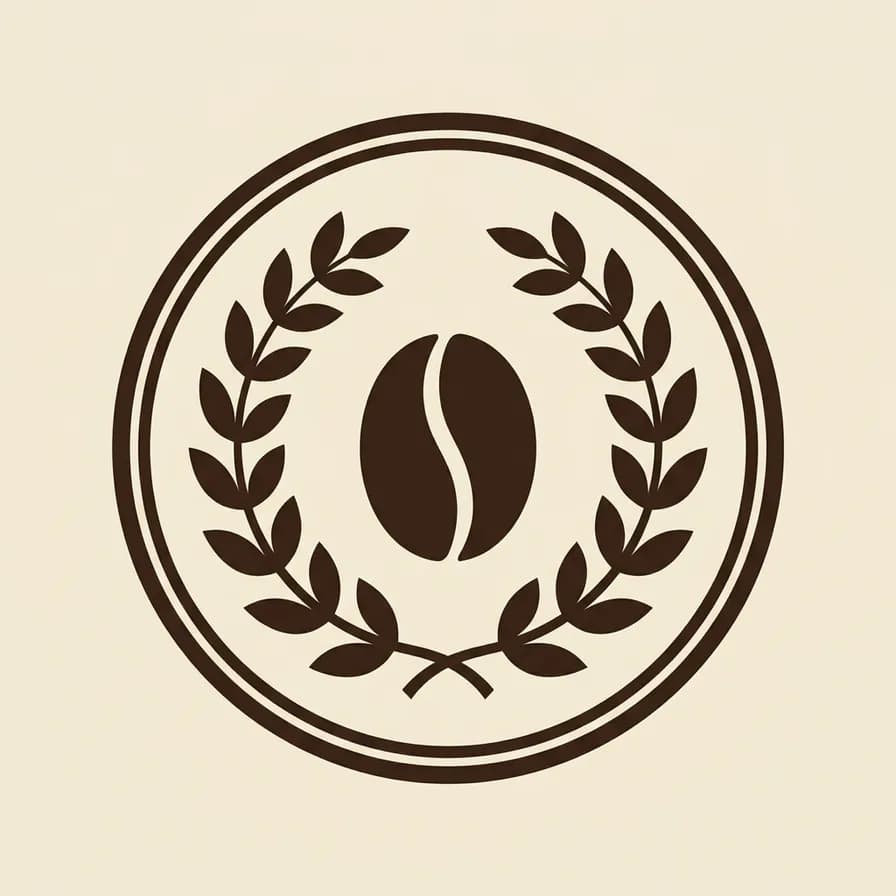
AI-generated logos example — Vintage coffee emblem, made with Nano Banana 2 on BananaBanana

Vintage coffee emblem

Nano Banana 2$0.06 / image

Flat vector emblem logo mark: a circular badge with a coffee bean at its center framed by two laurel branches and a double outline ring. Vintage roastery style, solid dark espresso brown on plain cream background, crisp edges, no text, no lettering.

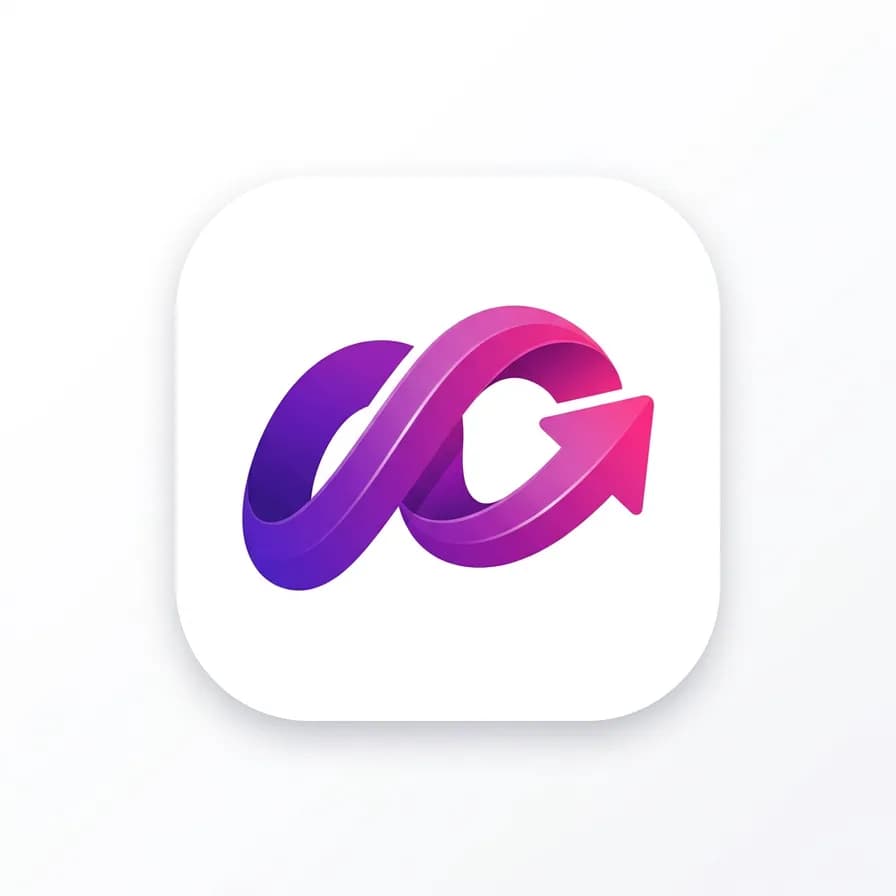
AI-generated logos example — Gradient app icon, made with Nano Banana 2 on BananaBanana

Gradient app icon

Nano Banana 2$0.06 / image

App icon logo mark on a rounded square tile: an abstract folded ribbon shape suggesting forward motion, rendered in a smooth violet-to-fuchsia gradient with a soft inner highlight. Modern software branding, plain white background around the tile, no text.

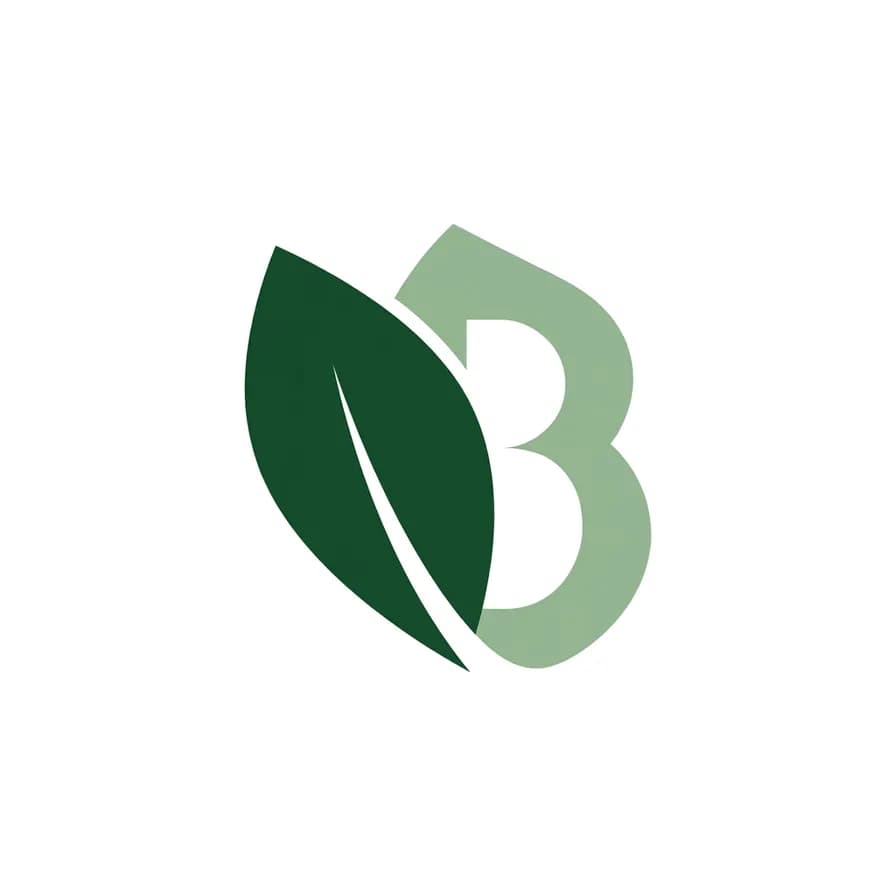
AI-generated logos example — Negative-space monogram, made with Nano Banana Pro on BananaBanana

Negative-space monogram

Nano Banana Pro$0.11 / image

Flat vector logo mark where two overlapping leaves form the negative-space silhouette of a single letter B between them. Precise geometric construction, deep forest green and soft sage, plain white background, no other lettering, no text.

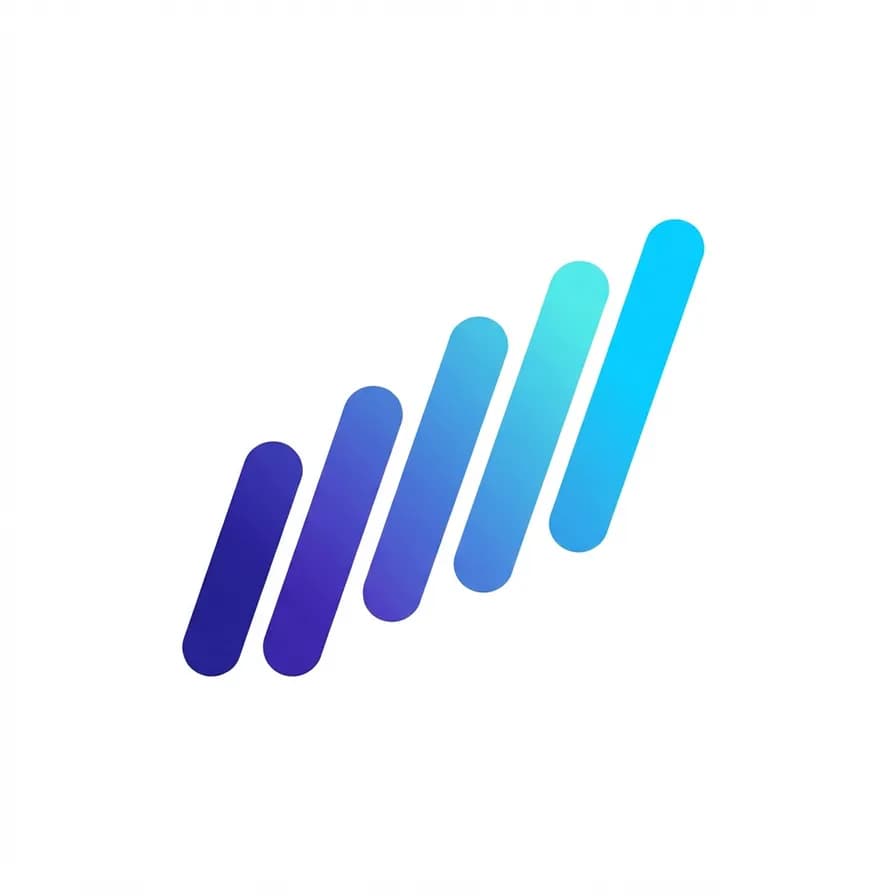
AI-generated logos example — Abstract data wave, made with Nano Banana 2 Lite on BananaBanana

Abstract data wave

Nano Banana 2 Lite$0.03 / image

Flat vector logo mark of an abstract wave made of five parallel bars of increasing height, each bar rounded and slightly rotated to suggest flow. Minimal tech-startup style, gradient from indigo to cyan across the bars, plain white background, no text.

AI-generated logos example — Hand-drawn bakery mark, made with Nano Banana 2 Lite on BananaBanana

Hand-drawn bakery mark

Nano Banana 2 Lite$0.03 / image

Hand-drawn logo mark of a croissant crossed with a single wheat stalk, sketched in an uneven single-weight ink line with a slightly wobbly artisanal feel. Small-bakery branding, warm brown ink on plain off-white background, no shading, no text.

AI-generated logos example — Origami crane, made with Nano Banana 2 on BananaBanana

Origami crane

Nano Banana 2$0.06 / image

Flat vector logo mark of an origami crane in flight, built from flat folded facets with two tones of the same color marking light and shadow planes. Clean geometric paper-craft style, coral and dusty rose, plain white background, no outline, no text.

AI-generated logos example — Modern minimal crest, made with Nano Banana Pro on BananaBanana

Modern minimal crest

Nano Banana Pro$0.11 / image

Flat vector crest logo mark: a slim shield outline containing a simplified mountain range and three horizontal lines beneath it. Contemporary heritage-brand style, thin gold line on plain deep-navy background, perfectly symmetrical, no text.

AI-generated logos example — Aperture mark, made with Nano Banana Pro on BananaBanana

Aperture mark

Nano Banana Pro$0.11 / image

Flat vector logo mark of a camera aperture made of six overlapping blades forming a hexagonal opening, each blade a slightly different tint. Precise studio-branding geometry, monochrome charcoal tints with one amber blade as accent, plain white background, no text.

03Technique

What makes these work

Say “flat vector logo mark, plain white background”

This one phrase stops the model from drawing a scene and makes it design an object: single subject, flat fills, clean silhouette, room to breathe.

Leave the wordmark to your type tool

Small lettering is still the weakest spot in image models. Generate the symbol, then set the company name in Figma — that separation is how studios build lockups anyway.

One idea per mark

A logo has to survive at 16 pixels in a browser tab. Describe a single object and one construction rule; two concepts stacked together turn to mush when scaled down.

Lock the palette in the prompt

Name two colors and nothing else. Free-range palettes look like clip art; “deep violet line on white” or “amber and plum fills only” reads like a brand.

04More prompts

Keep browsing

05Learn more

Guides from the blog

06FAQ

Logos prompts, answered

Can I use an AI-generated logo commercially?

Yes — you own the images you generate on BananaBanana and can use them as a brand identity. Before registering a trademark, run the usual clearance search: originality is your responsibility with any logo, AI-made or not.

Do I get an SVG or a vector file?

No — the output is a raster image. Because these prompts ask for flat fills on a plain background, the marks vectorize cleanly in Illustrator's Image Trace or a free tool like Vectorizer, which is the normal last step before you have a production-ready logo.

Why do the prompts say “no text”?

Lettering at logo scale is where image models still slip — a subtly misshapen letter is worse than no letter at all. Generating the symbol alone and typesetting the name yourself gives a cleaner result and full control over the lockup.

Which model should I use for logos?

Lite at $0.03 is perfect for exploring flat, simple directions in bulk. Nano Banana 2 handles geometric construction and emblems well. Use Pro at $0.11 when precision matters — negative-space monograms, thin gold linework, tight symmetry.

How do I get a transparent background?

Generate on the plain background these prompts specify, then remove it with any background-removal tool. Flat fills and hard edges make the cut-out clean, unlike illustrations with soft shadows.

Copy a prompt, make it yours

Every new account starts with a free $0.20 balance — enough to test six image prompts before paying anything. No subscription, no credit card, crypto top-ups from $1.