First-frame fidelity
The clip starts from your exact image — composition, faces and products carry over unchanged.
Tool · Image-to-video
Upload a still, describe the motion, get a video — with your exact composition as the first frame. Veo 3.1 for control up to 4K, Gemini Omni Flash for instant clips with sound. From $0.10 per video, paid with crypto or card, no subscription.
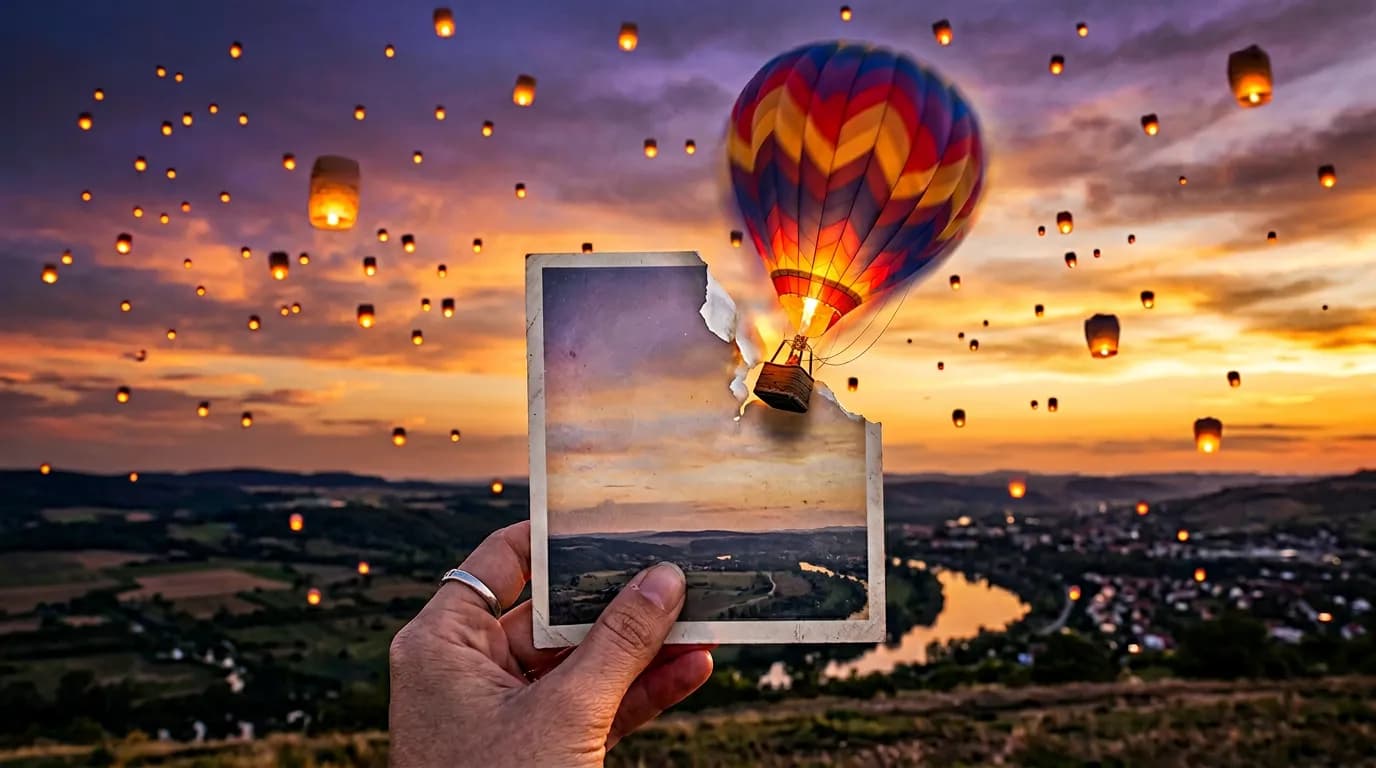
Image-to-video generation treats your photo as the first frame of a clip. You upload the image, write a short motion brief — “slow push-in, steam rising from the cup, warm morning light” — and the model synthesizes the following seconds of footage so that frame one is pixel-faithful to your upload. Because the video grows out of your actual image rather than a text description of it, faces, products, logos-free packaging and composition survive the transition. On BananaBanana you can animate with five models: Veo 3.1 and Veo 3.1 Fast (up to 4K, optional native audio, end frames, extensions), Veo 3.1 Lite for cheap drafts, and Gemini Omni Flash — Google's world model that renders exactly 3–10 seconds at $0.10 a second, always adds sound, combines a first frame with up to 10 reference images, and lets you edit the result conversationally afterwards. And Wan 3.0 from Alibaba, which animates a still the same way but goes up to 30 seconds in one run at 480p to 1080p, accepts a closing frame to land on, and includes sound you can switch off for free.
The workhorse use cases: product banners — a static packshot becomes a six-second loop with drifting light and rotating product for marketplaces and ads; social content — portraits and travel photos animated into Reels and Shorts in 9:16; cinemagraphs — set the end frame equal to the first and only the smoke, water or hair moves; and storytelling — generate a character still with face references, animate it, then chain Extend operations into a 148-second sequence with full continuity. Teams storyboard on Veo 3.1 Lite at $0.10 a draft, then re-render the keeper on Veo 3.1 in 4K with audio. A finished campaign clip typically lands between one and five dollars — priced per clip, not per seat.
The clip starts from your exact image — composition, faces and products carry over unchanged.
Add an optional last frame for controlled transitions, or loop back to the first frame for cinemagraphs.
Veo 3.1 adds ambience, effects and dialogue on demand; Omni Flash scores every clip automatically.
Landscape for YouTube and web, vertical for Reels, Shorts and TikTok — up to 4K on Veo 3.1 and Fast.
Chain clips with full visual continuity — long-form sequences from a single starting photo.
On Omni Flash, describe a change — “make it rain” — and the clip regenerates while keeping the scene. Any finished video can be sent back in for a video-to-video edit.
Any sharp image up to 4K — portrait, packshot, landscape or illustration. It becomes frame one.
Camera move, subject action, atmosphere, sound. Optionally add an end frame for a transition or loop.
Pick the model and duration, render, extend if you need more seconds, download MP4.
| Model | 4 s | 6 s | 8 s | With audio · 8 s |
|---|---|---|---|---|
| Veo 3.1 Litedrafts, up to 1080p | $0.10 | $0.15 | $0.20 | $0.36 |
| Veo 3.1 Fastproduction speed | $0.35 | $0.52 | $0.70 | $1.00 |
| Veo 3.1maximum fidelity | $0.70 | $1.05 | $1.40 | $3.00 |
| Gemini Omni Flash$0.10 per second, sound always on | — | — | — | $0.09–1.00 |
4K renders from $1.10 silent / $1.30 with audio on Veo 3.1 Fast. Full tables on the pricing page.
Compare all video models on the Veo 3.1 page or see every price on the pricing page.
Step-by-step: first frames, motion prompts, loops and 148-second sequences.
Read the guideThe seven-part structure and camera-motion vocabulary for video prompts.
Read the guideBuild a consistent character in stills, then carry it into video.
Read the guideUpload the photo as the first frame, describe the motion you want in plain language — camera move, subject action, mood — and generate. The model animates from your exact image, so composition, faces and products stay recognizably yours.
From $0.10 for a 4-second silent 720p clip on Veo 3.1 Lite. Veo 3.1 Fast starts at $0.35, the flagship Veo 3.1 at $0.70, and Gemini Omni Flash runs $0.09–1.00 depending on clip length, with sound always on. You pay per clip — no subscription.
Yes — Veo 3.1 accepts an optional end frame in addition to the first frame. Use it for controlled transitions between two stills, or set the end frame equal to the first one for a seamless loop, ideal for cinemagraphs and product banners.
Yes. All Veo 3.1 models generate native audio — ambience, effects, even dialogue — as a per-clip toggle (silent clips cost less). Gemini Omni Flash always generates audio and you direct it in the prompt.
Single clips are 4–8 seconds (Veo) or 3–10 seconds (Omni Flash). With Veo 3.1 and Veo 3.1 Fast you can chain Extend operations with full visual continuity up to 148 seconds total.
Read the full answerSharp, well-lit images with a clear subject: portraits, product shots, landscapes, illustrations. Up to 4K input is supported; the model follows your motion prompt more faithfully when the description matches what is plausibly in the frame.
Image-to-video from $0.10 per clip. free $0.20 balance on sign-up, top-ups from $1 in crypto or $20 by card, no subscription.